

Turn Journeys Into Stories with This Simple, Powerful Travel App
Quick note: Some of the links below are affiliates, the thoughts and opinions are all my own. I’m always excited to share my favourite things with you, save you money when I can, and in so doing may collect a small commission at no cost to you. It’s a great way that you can support my blog.
We’re always on the lookout for tools that make family travel easier, more meaningful, and a little more fun. From hiring a vacation photographer to listening to a digital travel guide on your road trip, we love discovering travel companions that help us enjoy the moment and preserve the memories.
Another one of our favourites? Polarsteps. If you love travel journals but always forget to keep them updated — or if you’re travelling with kids and never have time to write it all down — this is the app for you.
What is Polarsteps?
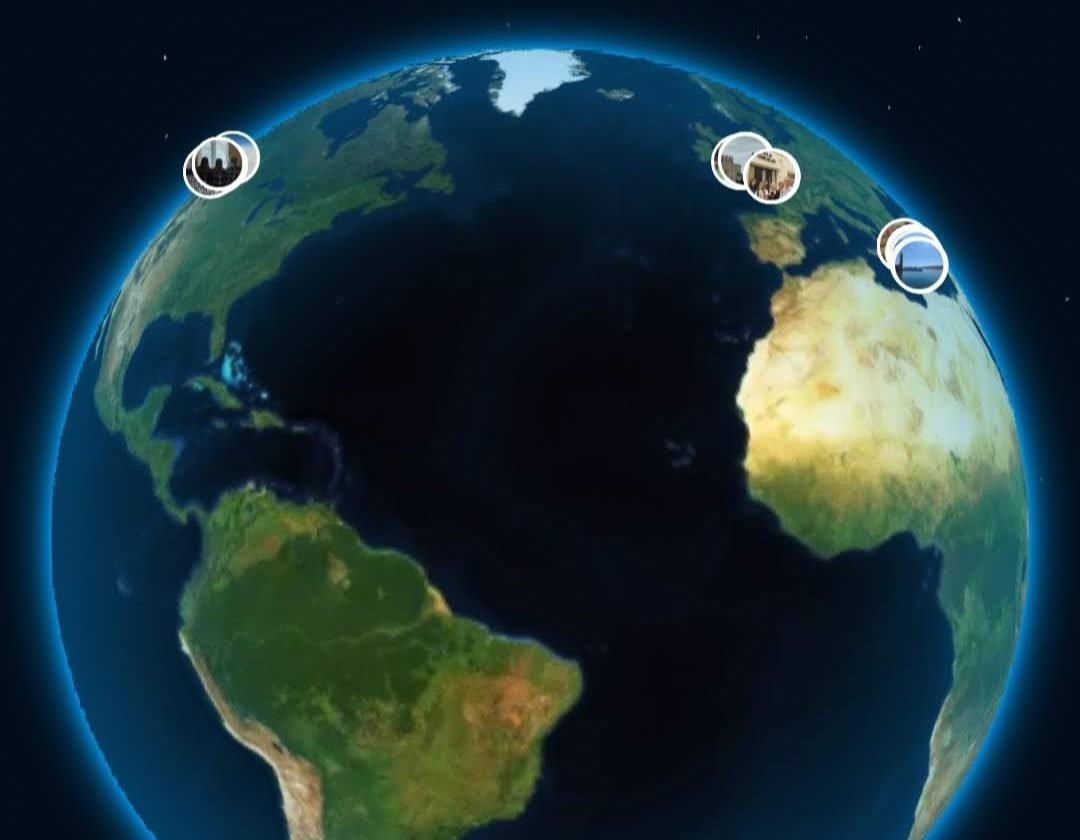
Polarsteps is a travel tracking app that automatically logs your route and experiences as you go. Using GPS (even when offline), it maps your trip and allows you to add photos, notes, and stops along the way. At the end of your journey, you have a beautiful, visual travel journal that’s easy to share — or turn into a printed travel book with just a few clicks.
Why We Love It
- Set it and forget it: Once you turn on tracking, Polarsteps quietly runs in the background. No need to constantly log in or update locations.
- Share with family and friends: You can invite friends and family to follow your trip in real time by text or email. They don’t have to sign up or create an account unless they want to leave comments. Photos are shared only with those you share the link with unless you make your privacy settings public.
- A photo album with context: Upload your favourite photos from each stop and add a quick note about what made it special. You can even go back in your timeline and add something that you forgot.
- Offline functionality: Don’t worry about having Wi-Fi at every stop. The app stores data until you’re back online.
- Print it: When your trip is done, Polarsteps can turn your digital journey into a professionally printed book — perfect for reliving the memories or giving as a gift. The quality of the books is fantastic, a great addition to your coffee table to remember your special trips.
- It’s free: the only cost to users is if you choose to purchase a book at the end of your trip.
- Travelling alongside our friends: Almost as good as travelling ourselves, watching our friends travel across the globe. So many of our friends have tried the app, it’s great to wake up and see a new step that they have shared.
- Year-end travel summary: the app continues to evolve and now includes a year-end travel summary from all the places we’ve visited.

Our Experience
I began using Polarsteps in January 2023. I started with a few short weekend trips to get used to it ahead of a month long trip to Europe. On that trip, I created my steps in draft throughout the day and then spent about 15 minutes in the evening, documenting the day, uploading photos (mine and those sent to me from others on the trip), and then publishing the step. Family and friends back home got to travel alongside us, see what we were up to, where we were, and even how the weather was.
Since then, I’m over 20 trips in and counting. I use it for almost all of my travels, big and small. The app has added a few new features over this time, you can now track your mode of transport and plan your steps ahead of your trip (although I don’t usually do more than add a trip name, my travel dates, and turn the tracking on). I’ve purchased a couple of photobooks from our bigger trips and love the quality of the books. I combined a couple of my travel favourites on our last trip to Maui and included my Flytographer photos as a step in Polarsteps, so they were included in my photobook.
I have had several friends give Polarsteps a try, and they’re now using it for their travels. The only downside that I’ve noticed, and others have commented on, is that it drains my phone battery faster than I’d like while travelling. With the GPS tracking and constant photo taking, this is to be expected, but I’ve had to make sure and keep charging my phone on the go.
For more on documenting your travels, see this post. I’d love to hear if you’ve tried Polarsteps yet.


You must be logged in to post a comment.